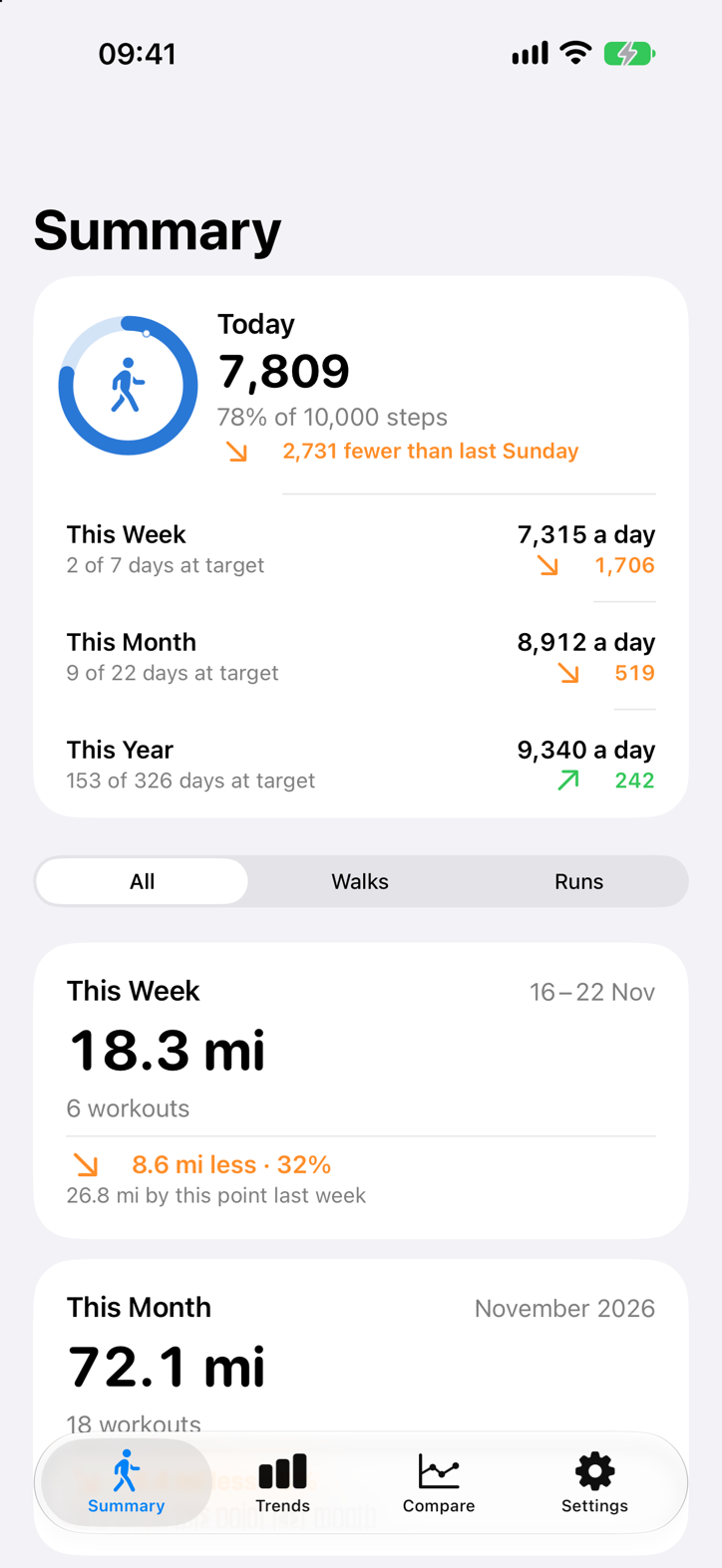
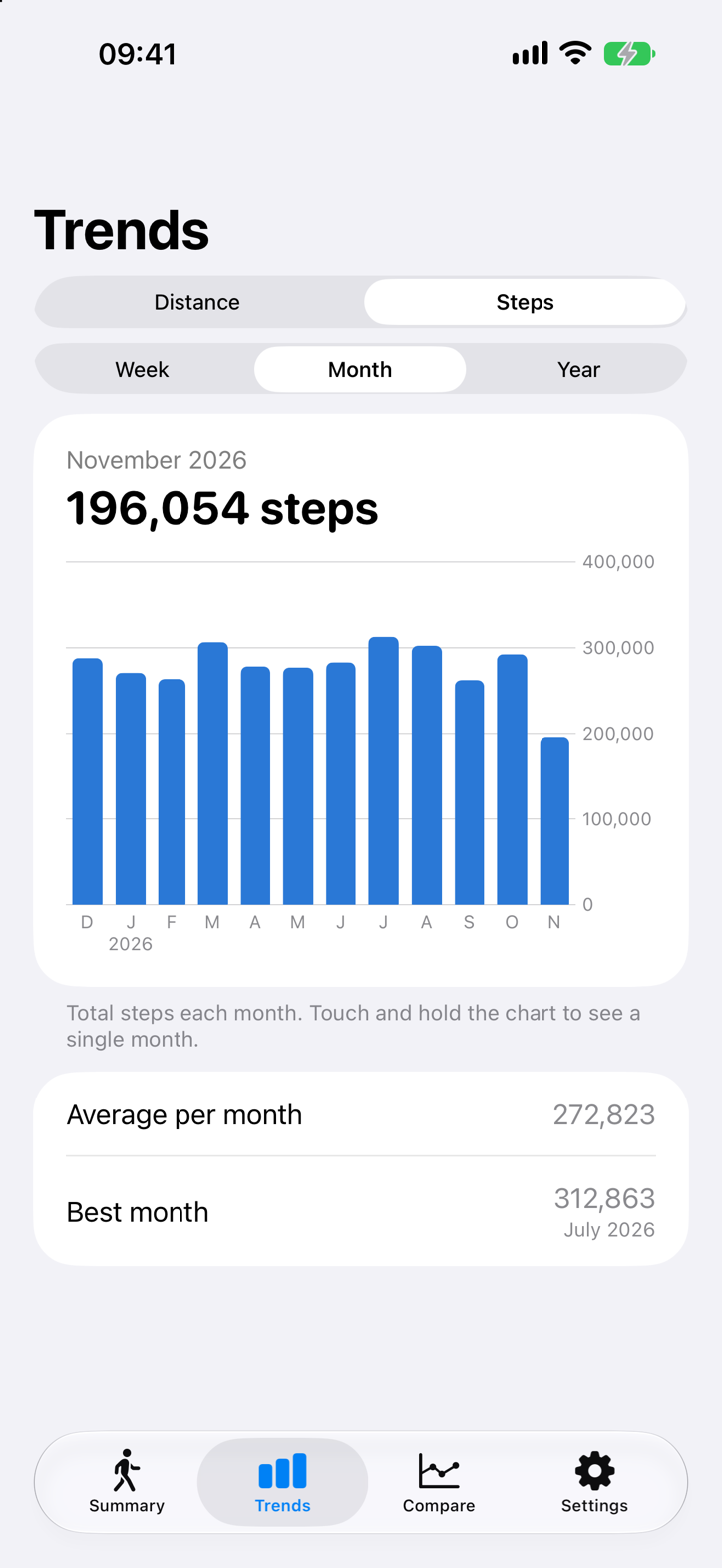
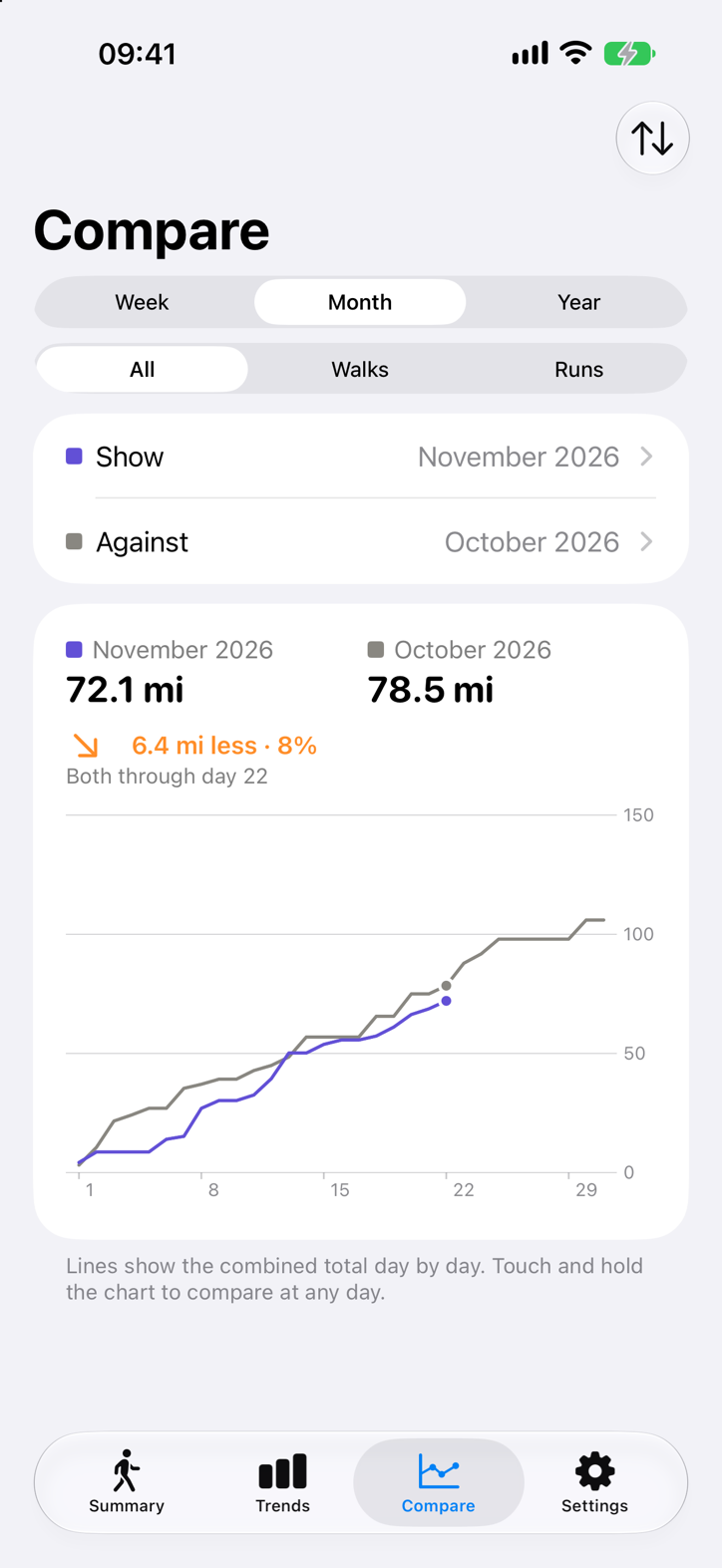
D!stance is a simple iPhone app that shows your walking and running distances. You can see how far you've gone this week, this month and this year, and how that compares with the same point in the week, month and year before.
It counts your steps too, against a daily target you choose. Today is compared with the same day last week at the same time. Steps are kept separate and never add to your distance.
Widgets put your distance, a year of activity and today's steps on your Home Screen, so you can check how you're doing without opening the app.
Your data stays with you
D!stance only reads what is already saved in Apple Health. It never writes to Apple Health, and nothing leaves your iPhone. There are no accounts, no tracking and no ads.
Help
My workouts aren't showing
D!stance shows walking and running workouts saved in Apple Health, from Apple Watch, iPhone or another app. Check that it can read them in the Settings app, under Health › Data Access & Devices › D!stance, and that Workouts, Walking + Running Distance and Steps are all turned on.
A widget says "Unlock your iPhone to update"
Apple Health can't be read while your iPhone is locked. Widgets show the last numbers D!stance saved, and if there aren't any yet they ask you to unlock. Opening the app once fills them in.
Why don't my steps add to my distance?
Steps are counted all day, including walking around the house, so D!stance keeps them separate. Distance only comes from walks and runs you record as workouts.
Can I change my step target or when my week starts?
Yes. Open D!stance, go to Settings, and change the daily step target, the distance unit or the day your week starts on.
Contact
D!stance is made by Ben.
For help or feedback, you can reach me via email:
support@clickops.ing